Outlined Shadow Button(.btn-outline-shadow)
Data Parameter Options:
- data-autoshow (true, false)Show by default or require script trigger such as .scroll-triggered.
- data-scroll-animation-id (none)Changing this parameter to an alternative can break the 'show' animation.
Class Options:
- .fluidAdding .fluid will add padding to the left and right sides of the button to automatically size based on text.
Solid Shadow Button(.btn-solid-shadow)
Data Parameter Options:
- data-autoshow (true, false)Show by default or require script trigger such as .scroll-triggered.
- data-scroll-animation-id (none)Changing this parameter to an alternative can break the 'show' animation.
Class Options:
- .fluidAdding .fluid will add padding to the left and right sides of the button to automatically size based on text.
Outlined Button(.btn-outline)
Data Parameter Options:
- data-autoshow (true, false)Show by default or require script trigger such as .scroll-triggered.
- data-scroll-animation-id (none)Changing this parameter to an alternative can break the 'show' animation.
Class Options:
- .fluidAdding .fluid will add padding to the left and right sides of the button to automatically size based on text.
Arrow Label Button(.btn-arrow-label)
Data Parameter Options:
- data-autoshow (true, false)Show by default or require script trigger such as .scroll-triggered.
- data-scroll-animation-id (fade, quick-fade, none, normal, slow-fade)Changes scroll triggered animation. Recommended unspecified (defaults to normal).

Attribute Selector Menu(.attribute-selector)
Data Parameter Options:
- data-scroll-animation-id (fade, quick-fade, none, normal, slow-fade)Changes scroll triggered animation. Recommended unspecified (defaults to normal).
Color - Black
- Blue
- Red
- Black
- Green
Category Thumb Button(.btn-category-thumb)
Data Parameter Options:
- data-scroll-animation-id (fade, quick-fade, none, normal, slow-fade)Changes scroll triggered animation. Recommended unspecified (defaults to normal).
Additional options:
- .tabs-wrapperIncluding the .tabs-wrapper code block will enable a small description to the image upon rollover.
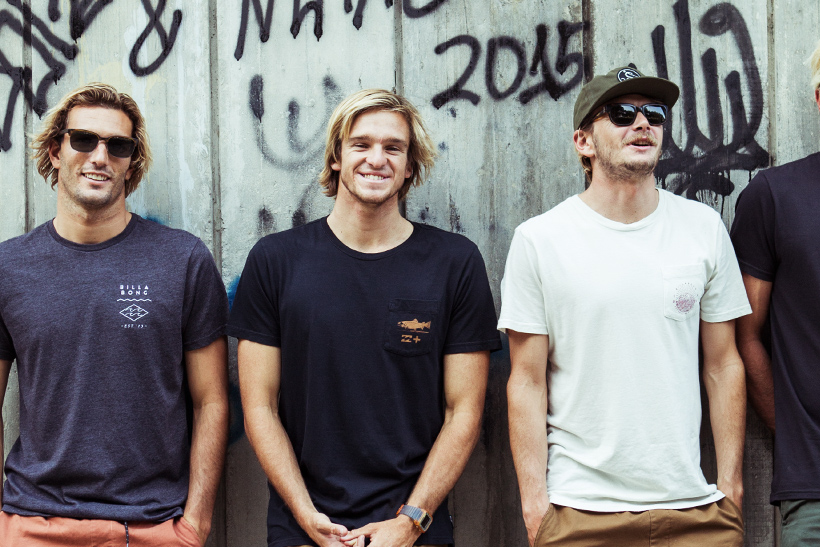
Sm Category Thumb Button(.btn-sm-category)
Data Parameter Options:
- data-autoshow (true, false)Show by default or require script trigger such as .scroll-triggered.
Social Thumbnail Button(.btn-social-thumb)
Data Parameter Options:
- data-autoshow (true, false)Show by default or require script trigger such as .scroll-triggered.