Hero Slider(.jumbo-slider-detailed.xl)
Required Data Attributes:
- data-video-idEnter the YouTube Video ID for the selected video (opens in modal).
- data-scroll-animation-id (none)Changing this parameter to an alternative can break the 'show' animation.

Jumbo Slider (external controls)
Data Parameter Options:
- data-autoshow (true, false)Show by default or require script trigger such as .scroll-triggered.
- data-image-widthSpecifies image width. Used for positioning and maintaining proper image ratios when scaling.
- data-image-heightSpecifies image height. Used for positioning and maintaining proper image ratios when scaling.
Required Data Attributes:
- data-slider-idUsed to connect external controls to any .jumbo-slider. Requires a .jumbo-slider id attribute.
- data-scroll-animation-id (none)Changing this parameter to an alternative can break the 'show' animation.

Lorem ipsum dolor sit amet, constetur adipisicing elit, sed do eiusmod tempor incididunt ut labore et dolore magna.
Caption Thumb
Required Data Attributes:
- data-scroll-animation-id (none)Changing this parameter to an alternative can break the 'show' animation.

Lorem ipsum dolor sit amet, consectetur adipisicing elit
Jumbo Video(.jumbo-video)
Required Data Attributes:
- data-video-idEnter the YouTube Video ID for the selected video.
Class Options:
- .containedAdding .contained will use the module's container's width. Removing .contained will use window width.

Jumbo Slider(.jumbo-slider)
Data Attribute Options:
- data-image-widthSpecifies image width. Used for positioning and maintaining proper image ratios when scaling.
- data-image-heightSpecifies image height. Used for positioning and maintaining proper image ratios when scaling.
Class Options:
- .containedAdding .contained will use the module's container's width. Removing .contained will use window width.

Instagram Masonry (staggered)(.instagram-masonry)






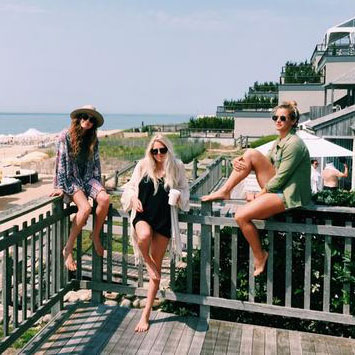

Hash Tag Image(.btn-category-thumb)
Data Attribute Options:
- data-autoshow (true, false)Show by default or require script trigger such as .scroll-triggered.
- data-scroll-animation-id (fade, quick-fade, none, normal, slow-fade)Changes scroll triggered animation. Recommended unspecified (defaults to normal).

Color Select Item(.color-select-item)
Data Parameter Options:
- data-scroll-animation-id (fade, quick-fade, none, normal, slow-fade)Changes scroll triggered animation. Recommended unspecified (defaults to normal).
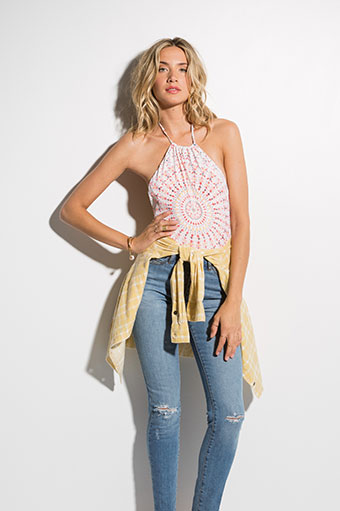
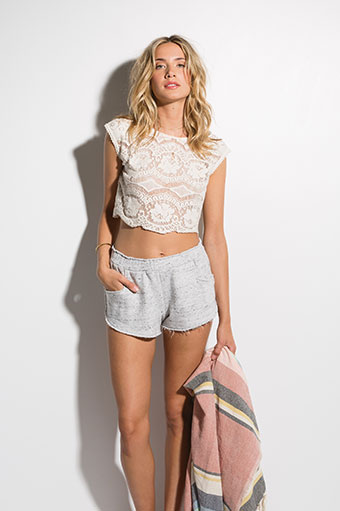


Lorem Ipsum Product
$34.95 - 2 Colors
Quick Shop (.grid-quick-shop)
Data Parameter Options:
- data-scroll-animation-id (fade, quick-fade, none, normal, slow-fade)Changes scroll triggered animation. Recommended unspecified (defaults to normal).
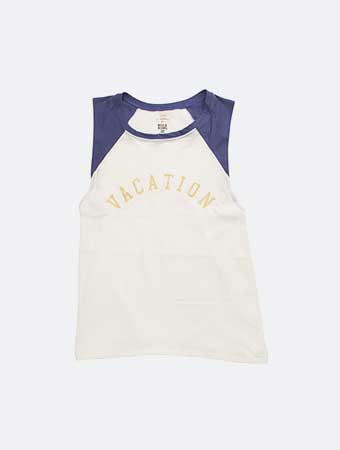
Shop The Look Slider(.shop-the-look-slider)
Required Data Attributes:
- data-image-widthSpecifies image width. Used for positioning and maintaining proper image ratios when scaling.
- data-image-heightSpecifies image height. Used for positioning and maintaining proper image ratios when scaling.
Class Options:
- .containedAdding .contained will use the module's container's width. Removing .contained will use window width.
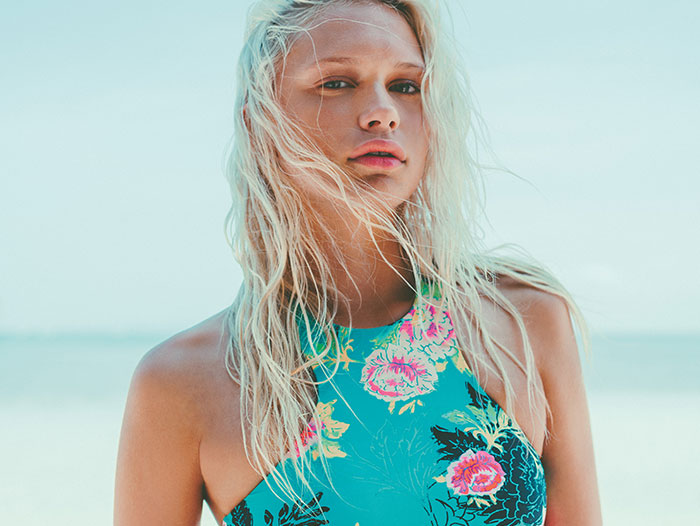
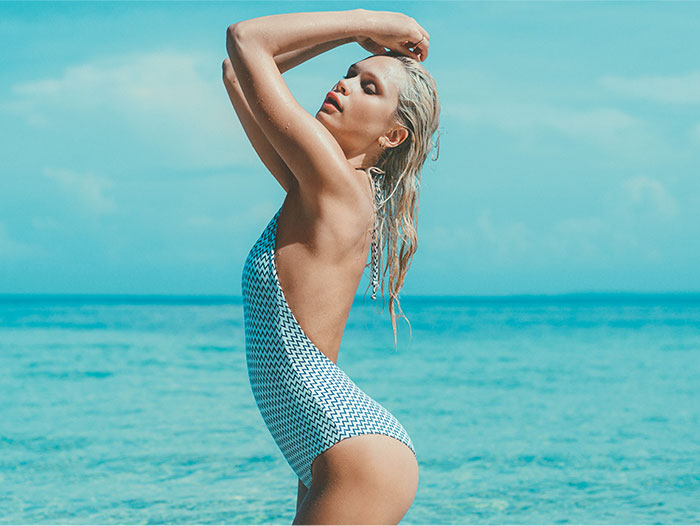

Related Rider(.btn-category-thumb)
Data Attribute Options:
- data-autoshow (true, false)Show by default or require script trigger such as .scroll-triggered.
- data-scroll-animation-id (fade, quick-fade, none, normal, slow-fade)Changes scroll triggered animation. Recommended unspecified (defaults to normal).
Related Post(.btn-category-thumb)
Data Attribute Options:
- data-autoshow (true, false)Show by default or require script trigger such as .scroll-triggered.
- data-scroll-animation-id (fade, quick-fade, none, normal, slow-fade)Changes scroll triggered animation. Recommended unspecified (defaults to normal).
Team| July 15 2015