Hero Slider(.jumbo-slider-detailed.xl)

Featured Call Out(.featured-call-out)
Intro to the
Collection
Sub-Heading Here
Lorem ipsum dolor sit amet, consectetur adipiscing elit. Maecenas tempor nisi quis dictum aliquet. Vestibulum aliquam, egestas ullamcorper. Lorem ipsum dolor sit amet.
Lorem ipsum dolor sit amet, consectetur adipiscing elit. Maecenas tempor nisi quis dictum aliquet. Vestibulum aliquam, egestas.


Category Thumb Button(.btn-category-thumb)
Data Parameter Options:
- data-scroll-animation-id (fade, quick-fade, none, normal, slow-fade)Changes scroll triggered animation. Recommended unspecified (defaults to normal).
Additional options:
- .tabs-wrapperIncluding the .tabs-wrapper code block will enable a small description to the image upon rollover.

Color Select Item(.color-select-item)
Data Parameter Options:
- data-scroll-animation-id (fade, quick-fade, none, normal, slow-fade)Changes scroll triggered animation. Recommended unspecified (defaults to normal).
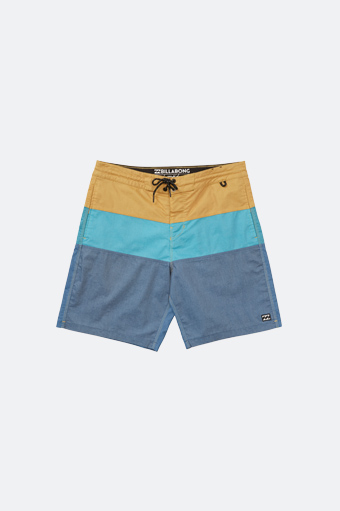
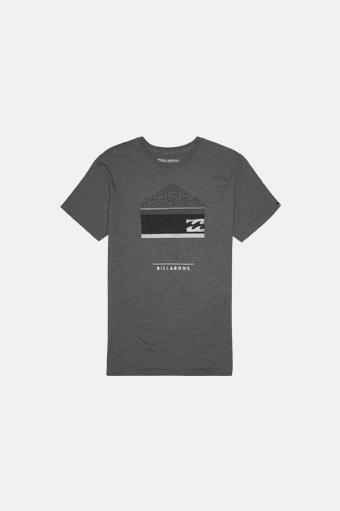
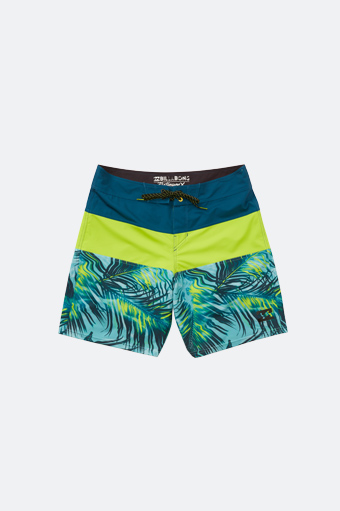


Lorem Ipsum Product
$34.95 - 2 Colors
Jumbo Slider(.jumbo-slider.contained)
Data Parameter Options:
- data-autoshow (true, false)Show by default or require script trigger such as .scroll-triggered.
- data-image-widthSpecifies image width. Used for positioning and maintaining proper image ratios when scaling.
- data-image-heightSpecifies image height. Used for positioning and maintaining proper image ratios when scaling.
Class Options:
- .containedAdding .contained will use the module's container's width. Removing .contained will use window width.